

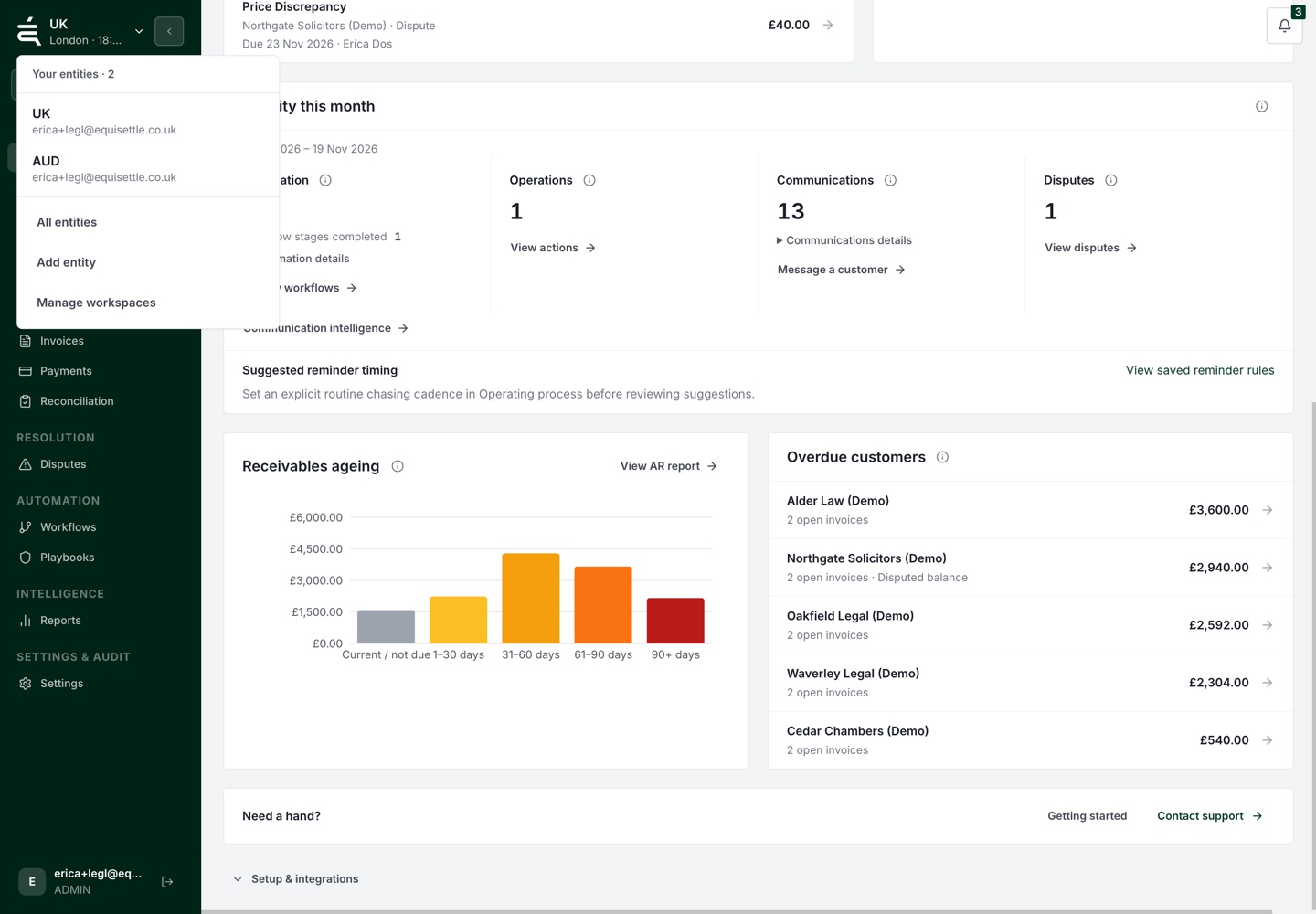
Separate workspaces for each business
Teams managing more than one business can now switch between entity workspaces. Each keeps its own customers, invoices, accounting connection and collection settings, so the record you review and the action you take belong to the right entity.
Compare receivables across currencies
The entities overview groups original amounts by currency. Choose a reporting currency for an estimated comparison, with the exchange-rate source and date visible. Missing rates or uncertain balances are flagged rather than folded into a misleading total.
The estimate does not change the currency or balance of an underlying invoice.
A clearer route through Xero setup
The setup guide now follows four steps: review the Xero connection, review imported invoices, choose the owner and chasing rules, then confirm activation. Progress stays with the active entity.
Review first, activate deliberately
Connecting Xero and importing invoices does not start chasing. Review the organisation, records and collection setup before explicitly activating reminders. Your team can check the data before follow-ups begin.