Follow up on the balance.
Review outstanding invoices and reminders already sent. Use approved workflow stages for routine follow-up.


FOR LEGAL TECHNOLOGY BUSINESSES
More customers means more software invoices to follow up. Work through unpaid accounts, billing queries and payment promises in Equisettle, rather than running the process from separate inboxes.
Follow a billing query ↓AFTER THE BILLING RUN
An overdue invoice might be waiting on a billing query or an agreed payment date. The account manager may already be speaking to the customer.
Your finance team has to find out before sending another reminder. Each billing run adds to the list.
For your business's receivables, including invoices to law-firm customers.
THE DAY-TO-DAY WORK
Open the customer's outstanding invoices, recorded correspondence and workflow stage from the same workspace.
Review outstanding invoices and reminders already sent. Use approved workflow stages for routine follow-up.
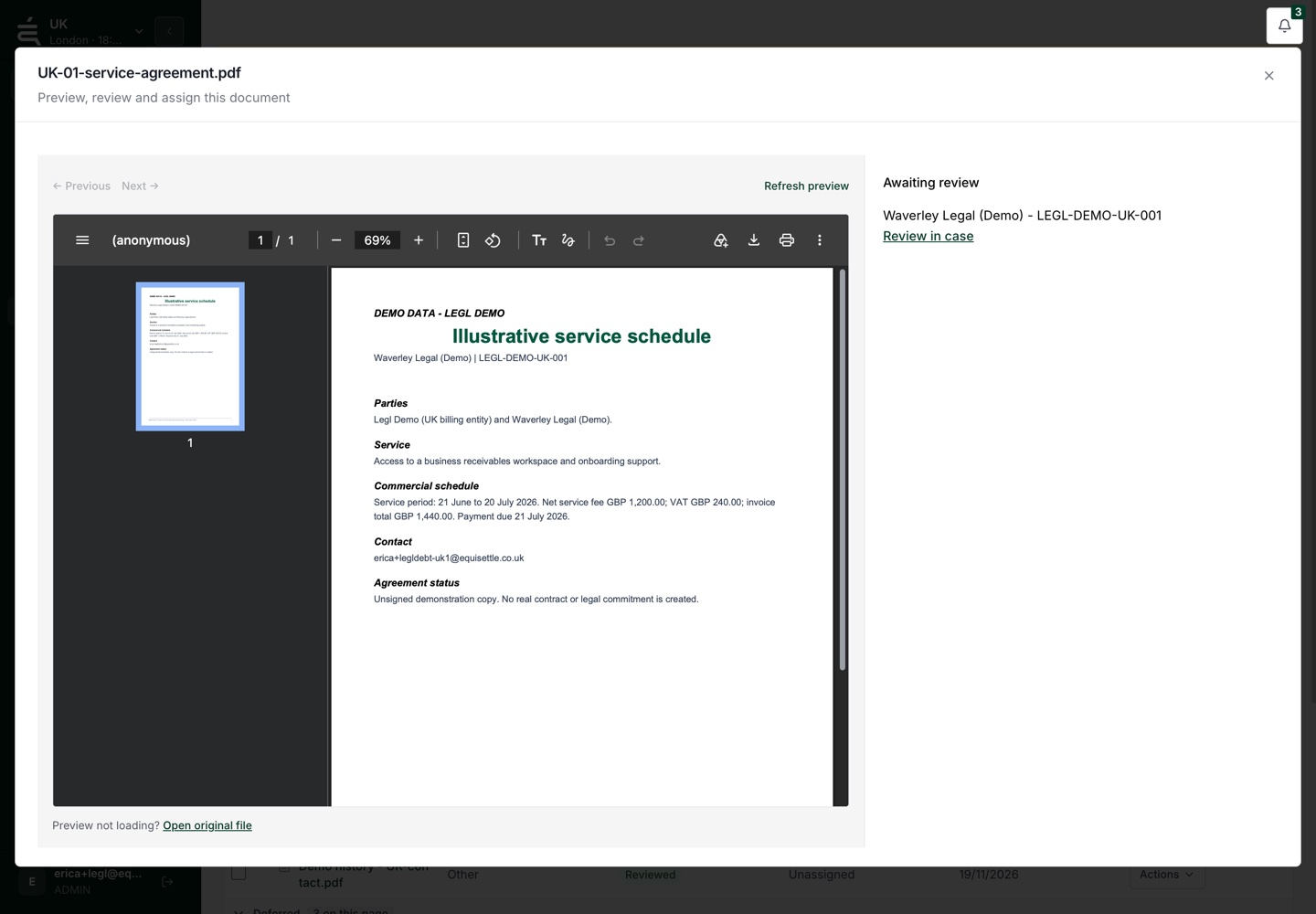
Attach the relevant agreement to the account or case, ready for the person investigating the charge.
Switch between entities with their invoices and currencies kept separate. A colleague covering an account can review its recorded activity.
ILLUSTRATIVE SOFTWARE BILLING EXAMPLE
Two finance colleagues support UK and Australian entities. A law-firm customer queries a charge on its recurring software invoice.
Fictional billing example.
The customer says the invoice includes more users than expected. Finance opens the recorded reply and linked invoice to check the queried amount.
Finance opens the attached agreement, then uses Internal comms to ask the account manager in Slack to confirm the charge.
The charge is clarified and the customer promises to pay on Friday. Record that commitment for the colleague covering the account to check before contacting them.
INTERNAL COMMS · SLACK
Finance can see the invoice, but the account manager needs to explain the extra users. That question belongs with the person who agreed the subscription, without another forwarded email chain.
Internal comms sends your question and the case summary to the selected teammate in Slack. They can understand the request without opening Equisettle.
Finance records the answer in Equisettle and decides how to follow up. Replies in Slack do not sync back or change the case automatically.
See the follow-up workflow ↗QUESTIONS
Equisettle manages receivables after billing, including software invoices to law firms. It does not manage client money, trust accounts or time recording.
The team can switch between separate company records, each with its own invoices and currency. Review access and accounting connections during setup.
Review the workflow and wording before activation. Customer replies, queries and recorded commitments help your team decide when personal attention is needed.
Connect an authorised Slack workspace, choose an approved channel and set up portfolio routing to the right teammates. The bot and selected teammate must be in that channel. Finance still makes and records the decision in Equisettle.
See the account, the open issues and the work already done before deciding what comes next.