




HOW WE HELP?

Turn your invoice spreadsheet into a priority list

4.9/5 average rating
invoice automation football academyMarquee Imagecleaning business invoice automationinvoice automation get paid fasterfreeagent invoice automationMarquee Image
invoice automation football clubMarquee Imagecleaning business get paid fasterMarquee ImageMarquee ImageMarquee Image

Automated invoice payment collection, from prediction to  payment

Built specifically for leading finance team - built now, for later.

Upload your CSV or Excel file and see which invoices are high risk, which customers have patterns of late payment, and which will pay without you lifting a finger. Stop wasting time on invoices that were going to pay anyway.

Know exactly which invoices to chase first
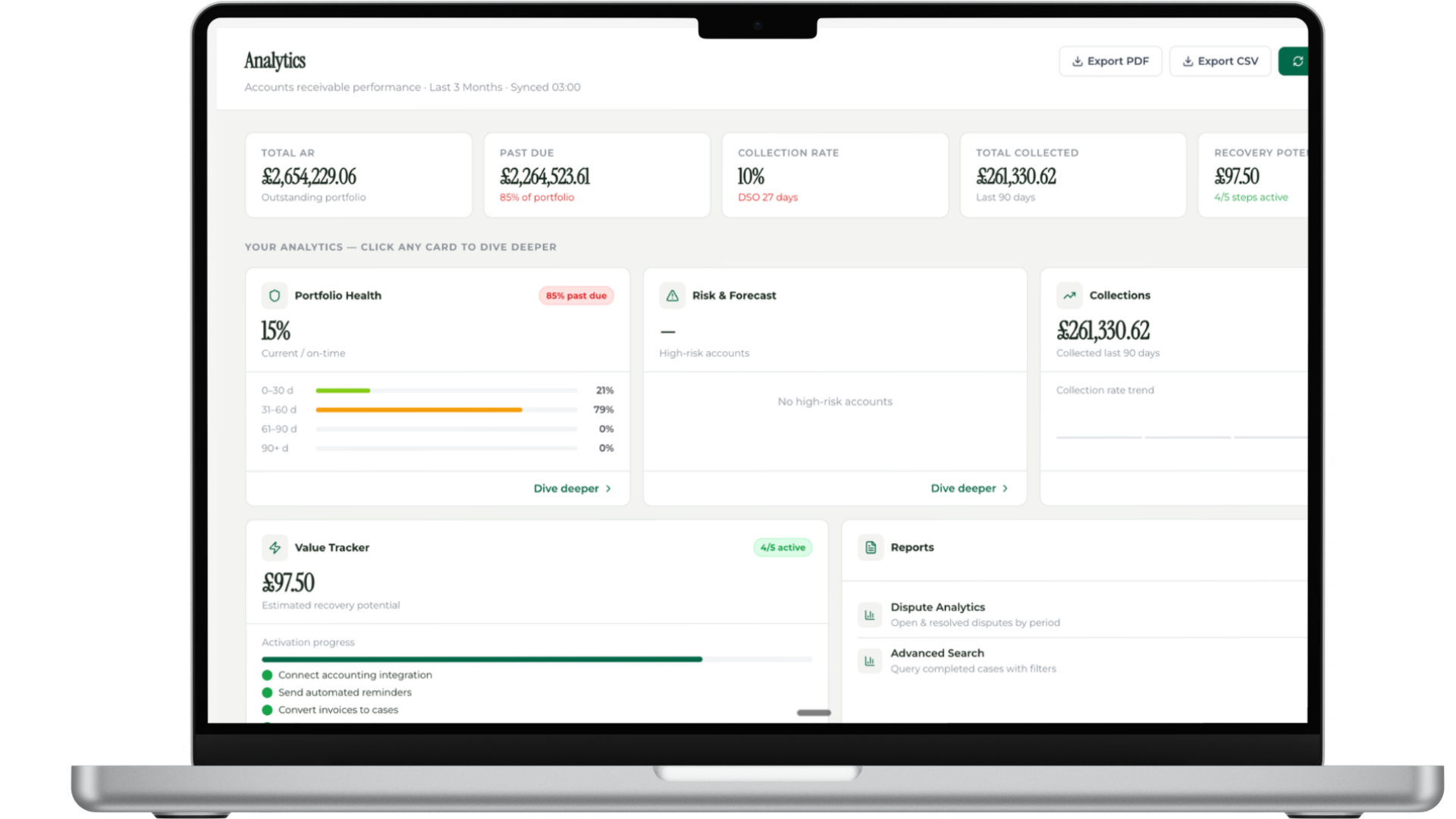
Missing the customers who'll drag to 90+ days

By the time you realize someone's a problem, they're already 3 months overdue and you've lost negotiating leverage.
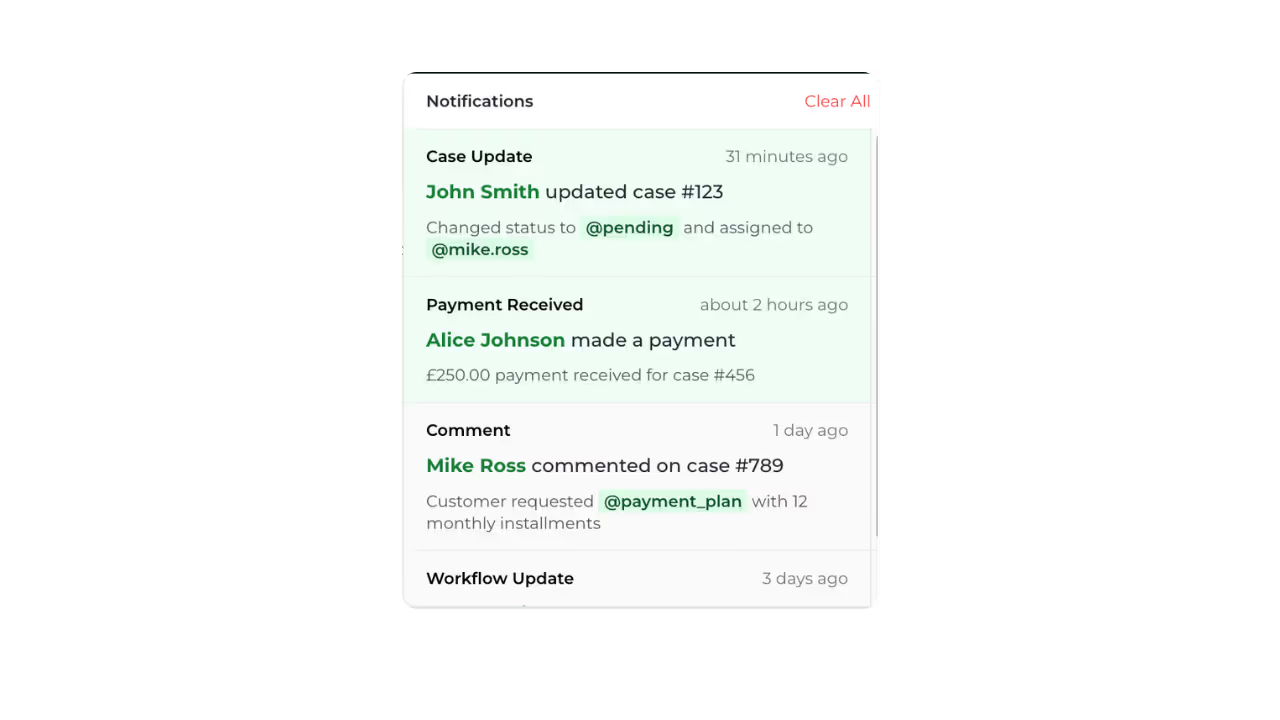
Get your time back from manual spreadsheet work

Stop manually sorting, filtering, and color-coding spreadsheets to figure out priorities. Upload once and see instant risk scoring, predicted payment dates, and your exact action plan for the week. What took 3 hours now takes 2 minutes.
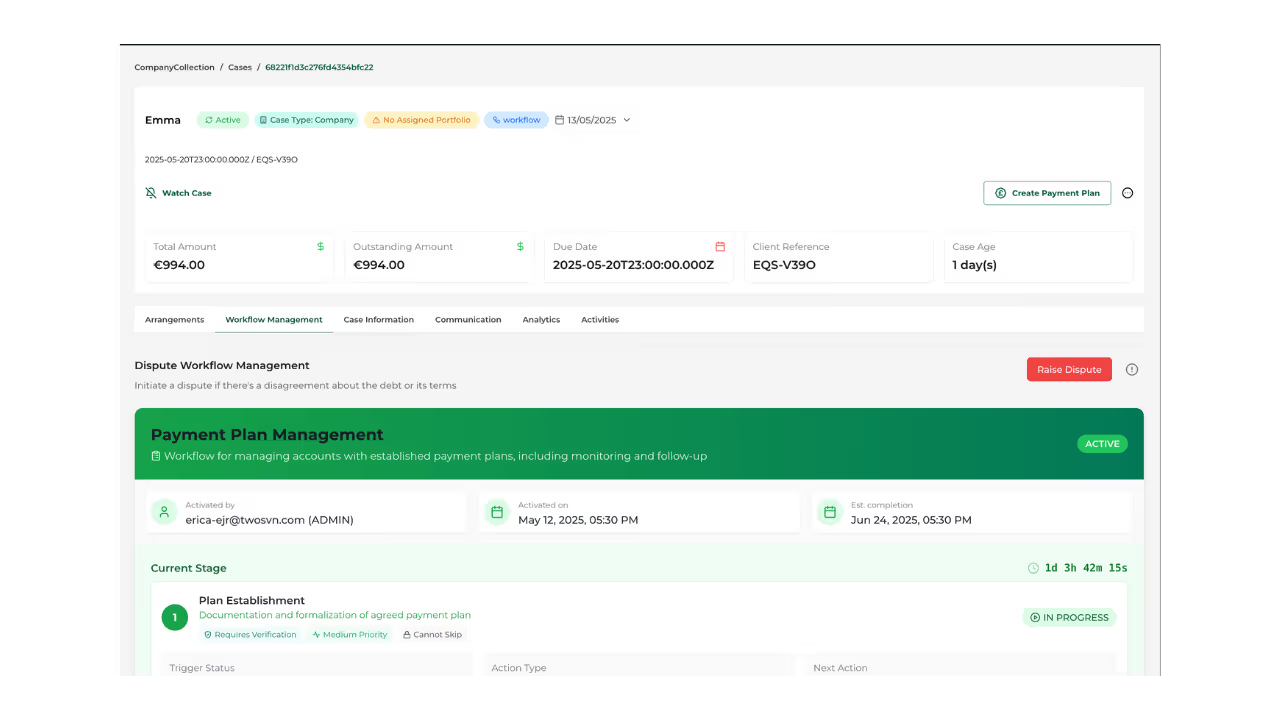
Wasting hours chasing customers who were going to pay anyway

Your team is manually deciding who to chase based on gut feel or whoever shouts loudest. Meanwhile, the actual problem invoices slip to 60, 90+ days.
Can't see patterns in your own data

Your spreadsheet can't tell you "this customer pays late every Q4" or "invoices over £10k from this industry segment take 75 days average." You're flying blind.
Our Impacts

Real Results.
Real Impact.

See how thousands of users are transforming the way they work. From faster project completion to less stress, our platform helps you achieve more—every single day.

Trust user world wide
"The workflows are completely automated, handling cases and invoices automatically without needing an agent's intervention."
0
/5
"The automated system sends timely reminders without me having to play the "bad guy," while giving me instant visibility into which accounts need attention."
0
/5
"I use Équisettle to automate our accounts receivable processes, which were full of overdue invoices, and this helped reduce manual intervention."
0
/5
3x Faster Project completion time
Operating loop

From financial record to resolved account.

We helps teams define what can move automatically, what needs approval and what should be escalated with context.

Connect

Bring supported customer, invoice and payment data into Equisettle. Your accounting system remains the financial source of record.
 

Decide

Organise accounts by attention required and give the team a clear next action.
 

Act

Move approved workflows forward, coordinate communication and route exceptions to the right person.
 

Resolve

Record promises, disputes, payments and outcomes against the account, then keep supported records aligned.
 

See how your receivables operation could run.

Show us how your team works today. We will demonstrate how Equisettle can connect the priorities, actions and exceptions currently spread across your finance operation.

Book a Demo

Questions? Ask Equi.

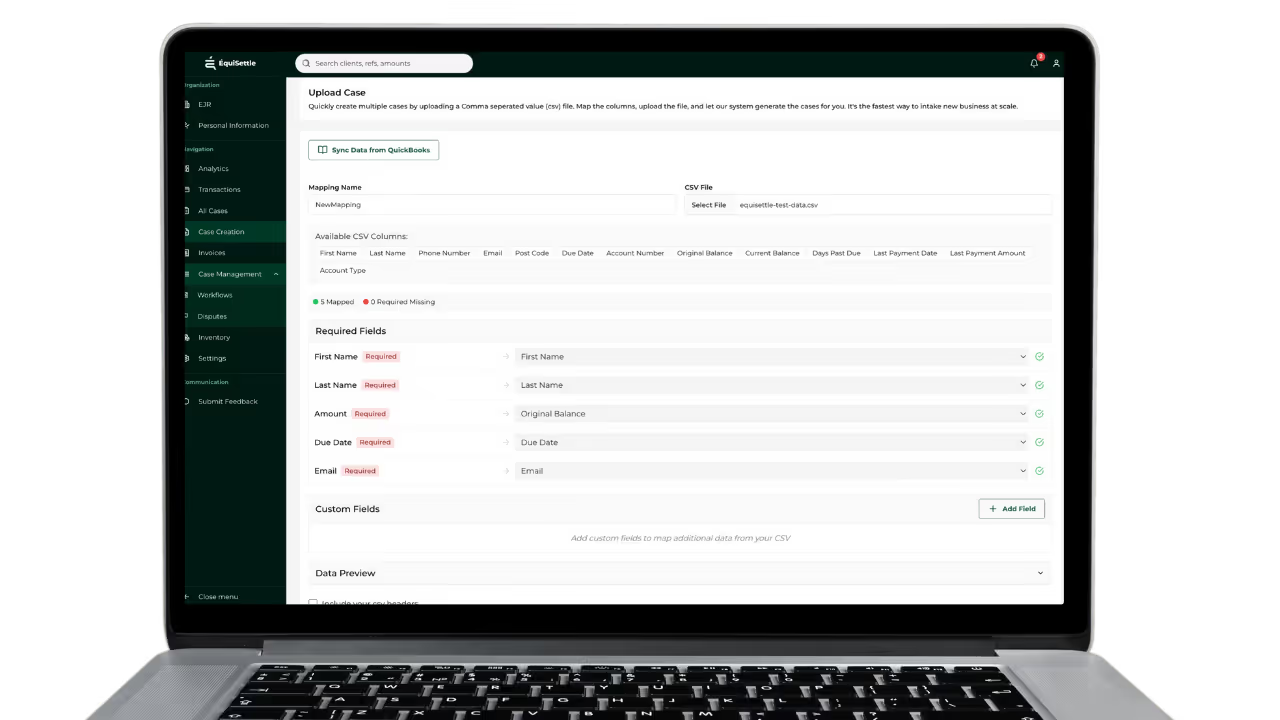
How does CSV invoice upload work in Equisettle?

Upload a CSV or Excel file containing your invoice data and Equisettle's smart field mapper automatically matches your columns to the right fields — no reformatting required.

What file formats does Equisettle accept for invoice upload?

Equisettle accepts CSV and Excel (.xlsx) files. Most accounting systems and ERPs can export invoices in one of these formats.

How many invoices can I upload in a single CSV?

Equisettle handles bulk uploads of thousands of invoices in a single file. Large files are processed in the background so you can continue working while they import.

What happens if some rows in my CSV have errors?

Equisettle validates each row on import. Rows with errors are flagged with a clear explanation — valid rows are imported and collections begin immediately.

Can I use CSV upload alongside an accounting software integration?

Yes. CSV upload works alongside Xero, QuickBooks, Sage and FreeAgent integrations — useful for importing invoices from systems not yet connected to Equisettle.

Is CSV upload available on all Equisettle plans?

Yes. CSV upload is available on all plans including the free trial.