



HOW WE HELP?

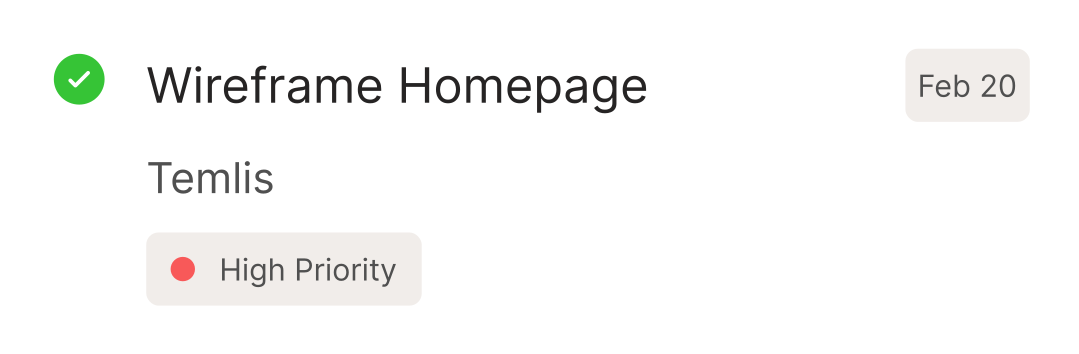
Stop doing repetitive chase work manually

Set up your chase sequences once, then let the system handle routine follow-ups via email, SMS, and WhatsApp. You focus on the relationships that need a human touch.
4.9/5 average rating
invoice automation football academyMarquee Imagecleaning business invoice automationinvoice automation get paid fasterfreeagent invoice automationMarquee Image
invoice automation football clubMarquee Imagecleaning business get paid fasterMarquee ImageMarquee ImageMarquee Image

Automated invoice payment collection, from prediction to  payment

Built specifically for leading finance team - built now, for later.

Chase high-risk invoices automatically

High-risk invoices get immediate attention via your chosen channels. Low-risk ones get standard reminders. You don't lift a finger unless something needs escalation.
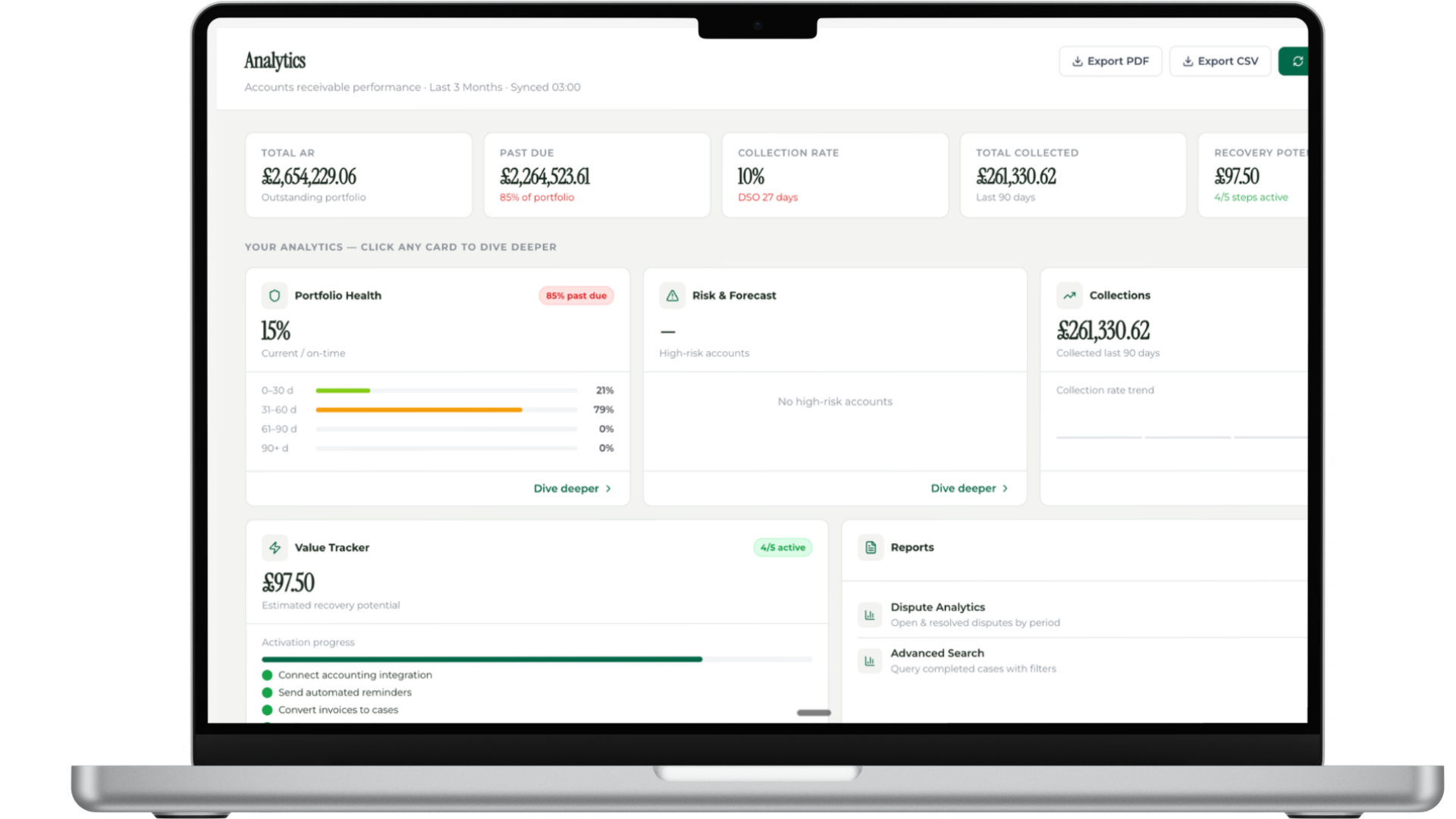
Focus your time on what matters

Let automation handle the routine 90% of invoices. You focus on the 10% that need negotiation, escalation, or relationship management. Get your time back.
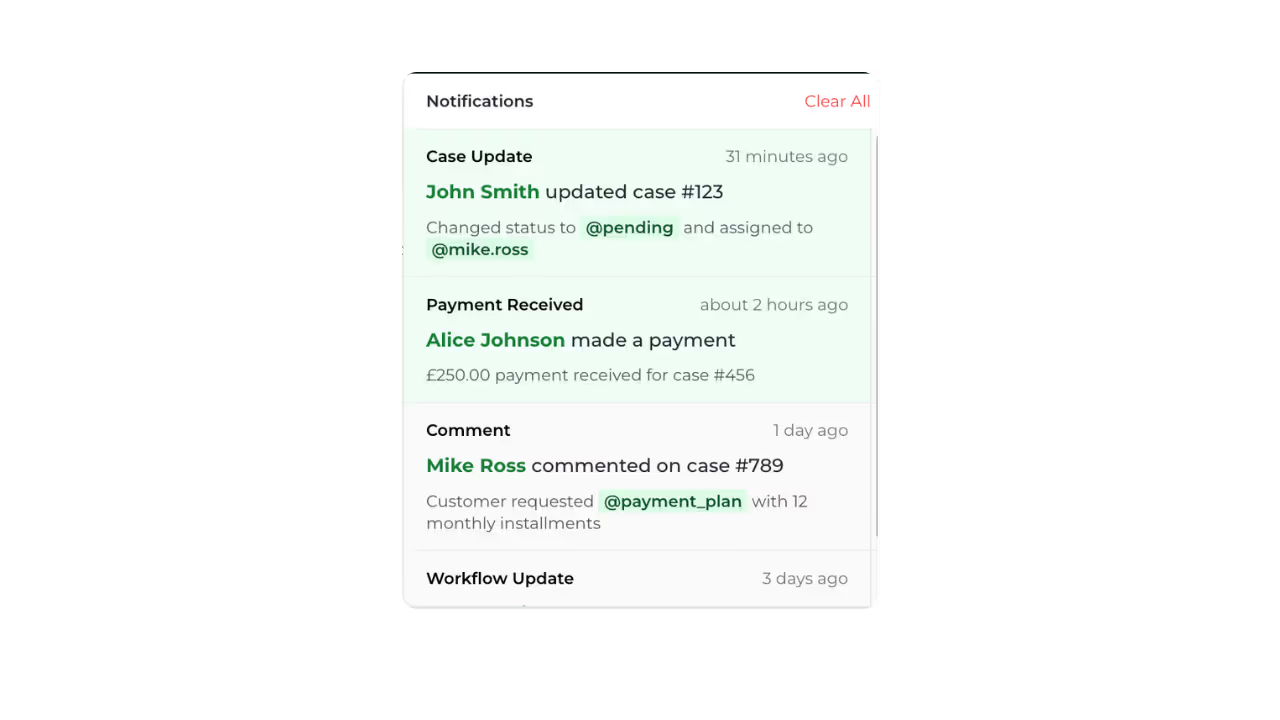
Pause campaigns when customers respond

Customer replies to your email? Workflow automatically pauses. No awkward "I already paid" moments. Smart automation that knows when to stop.
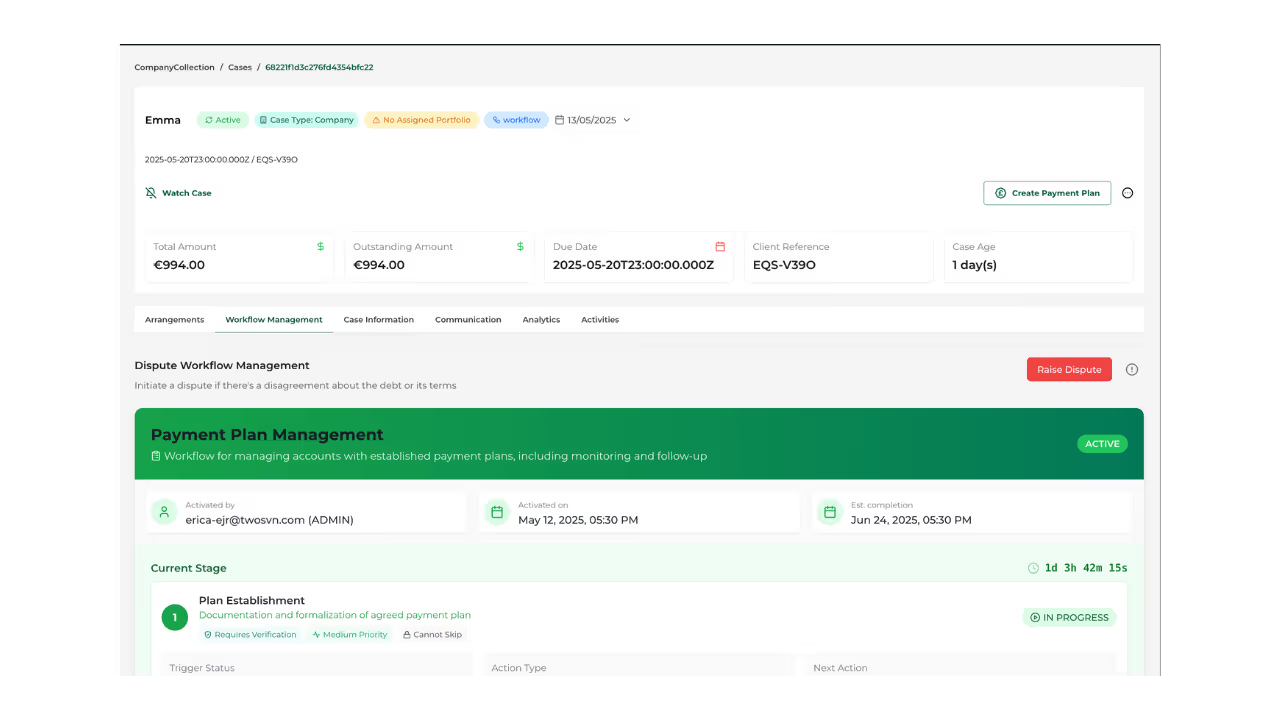
Personalize messages at scale

Templates adapt based on invoice age, amount, customer history, and risk level. Each message feels personal because it's tailored to the specific situation.
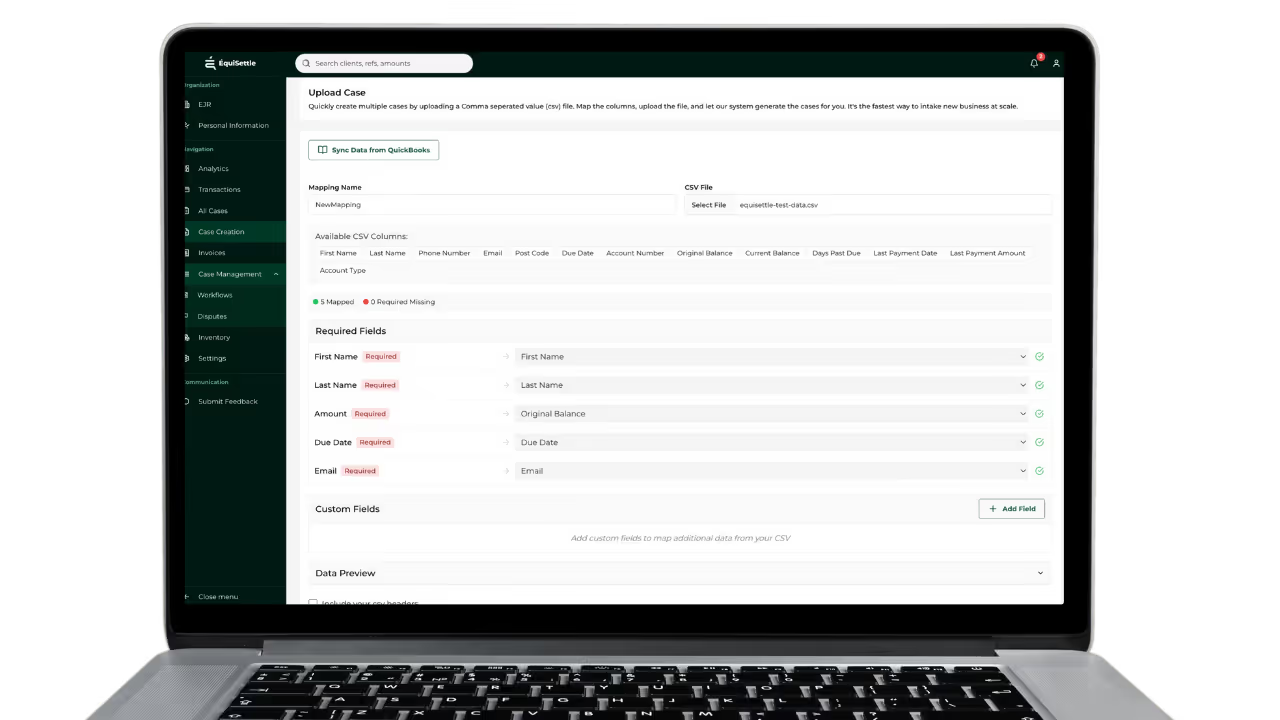
Multi-channel chase sequences

Start with email, escalate to SMS, final notice via WhatsApp. Or customize your own sequence. Multi-channel reach without manual coordination.
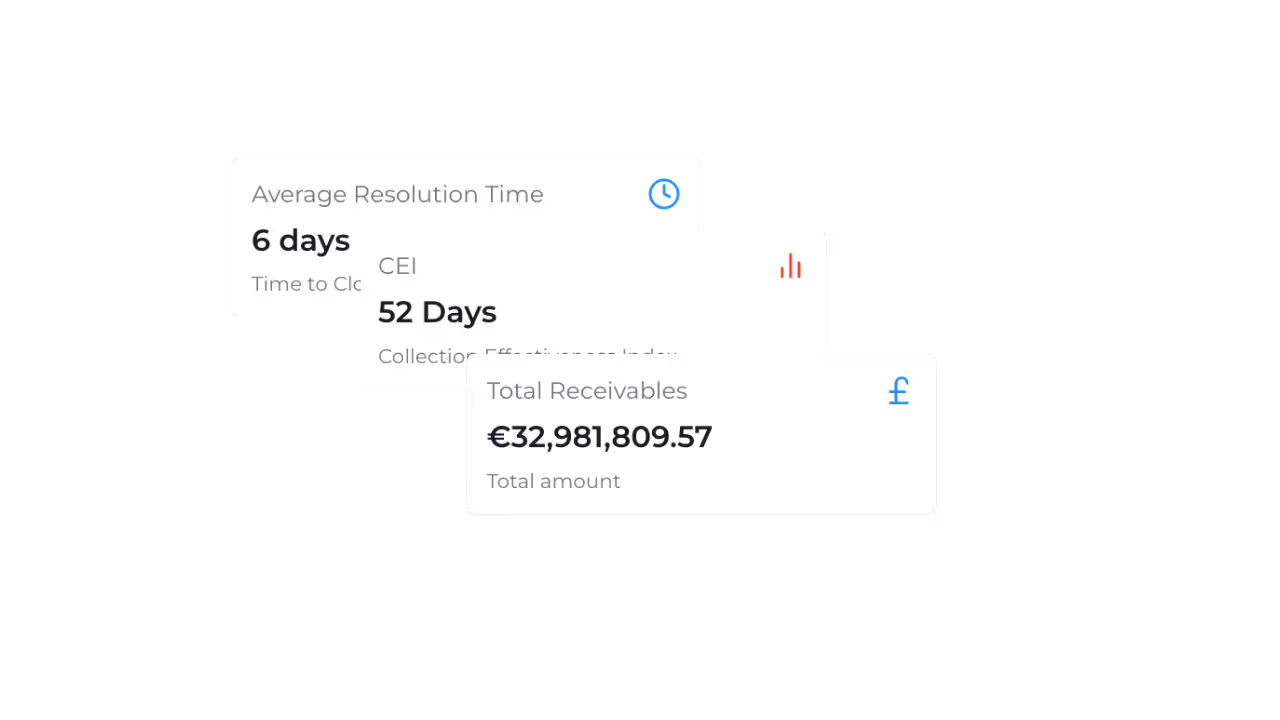
Our Impacts

Real Results.
Real Impact.

See how thousands of users are transforming the way they work. From faster project completion to less stress, our platform helps you achieve more—every single day.
Trust user world wide
"The workflows are completely automated, handling cases and invoices automatically without needing an agent's intervention."
0
/5
"The automated system sends timely reminders without me having to play the "bad guy," while giving me instant visibility into which accounts need attention."
0
/5
"I use Équisettle to automate our accounts receivable processes, which were full of overdue invoices, and this helped reduce manual intervention."
0
/5
3x Faster Project completion time
Operating loop

From financial record to resolved account.

We helps teams define what can move automatically, what needs approval and what should be escalated with context.

Connect

Bring supported customer, invoice and payment data into Equisettle. Your accounting system remains the financial source of record.
 

Decide

Organise accounts by attention required and give the team a clear next action.
 

Act

Move approved workflows forward, coordinate communication and route exceptions to the right person.
 

Resolve

Record promises, disputes, payments and outcomes against the account, then keep supported records aligned.
 

See how your receivables operation could run.

Show us how your team works today. We will demonstrate how Equisettle can connect the priorities, actions and exceptions currently spread across your finance operation.

Book a Demo

Questions? Ask Equi.

What is an automated AR workflow in Equisettle?

An automated workflow is a sequence of actions Equisettle takes on your behalf — sending reminders, escalating cases and switching channels — based on rules you configure, without any manual input.

How do I set up a workflow in Equisettle?

Workflows are built using a visual editor. You define the trigger (e.g. 7 days overdue), the action (e.g. send email reminder) and the next step — then Equisettle handles execution.

Can workflows handle the full collections cycle end to end?

Yes. A workflow can take an invoice from first reminder through to final escalation, switching channels and tone at each stage based on customer response.

What happens when a workflow reaches its final step without payment?

The case is flagged for manual review and escalated to your team with the full communication history — so human intervention is focused where automation alone is insufficient.

Can I use different workflows for different types of invoices?

Yes. You can create separate workflows for different invoice values, customer types, industries or payment terms and Equisettle applies the right one automatically.

Do workflows pause automatically when a payment is received?

Yes. As soon as a payment syncs from your accounting software, the workflow for that invoice stops and the case is closed — no manual intervention needed.