
Check the invoice and contact.
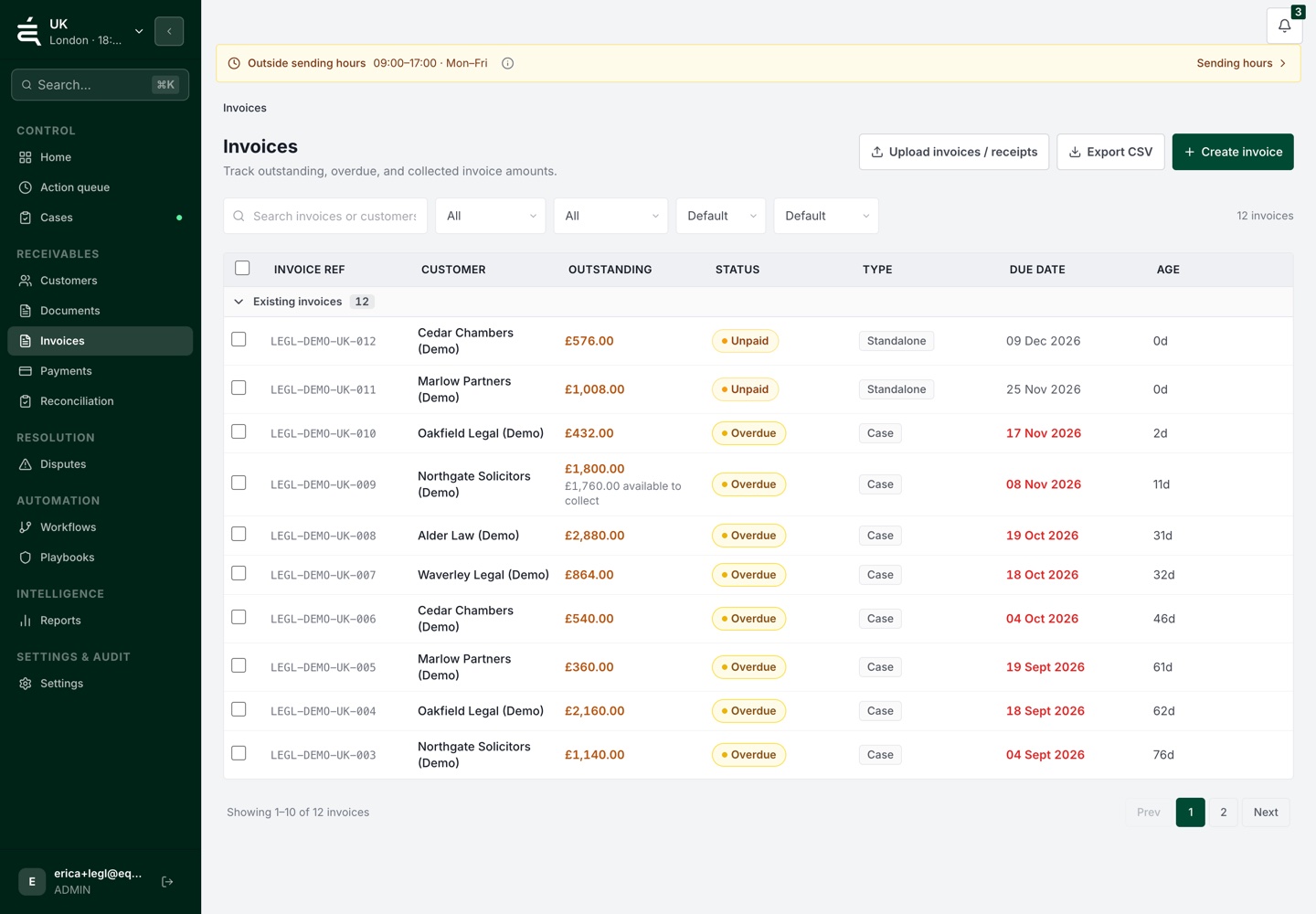
Review the imported amount, due date and billing contact. Check the source record before starting a reminder schedule.


Receivables operations
Where the work gets stuck
A delivery event, a customer reply and a payment update can arrive separately. Without the account history, the next reminder can repeat a request or miss a query that needs resolving.
From balance to next action
Review the invoice, check the conversation and choose the next action from the current account record.
Review the imported amount, due date and billing contact. Check the source record before starting a reminder schedule.
Use approved message templates and timing. Keep replies and payment queries with the account so a colleague can investigate them.
Review payment activity, a recorded commitment or an unresolved query. Correct the account or assign the next task before continuing.
Available data and actions depend on your plan and the connections configured for your workspace.
Choose your account type to get started, or compare the plans first.
See the account, the open issues and the work already done before deciding what comes next.