
Open the account's communication history.
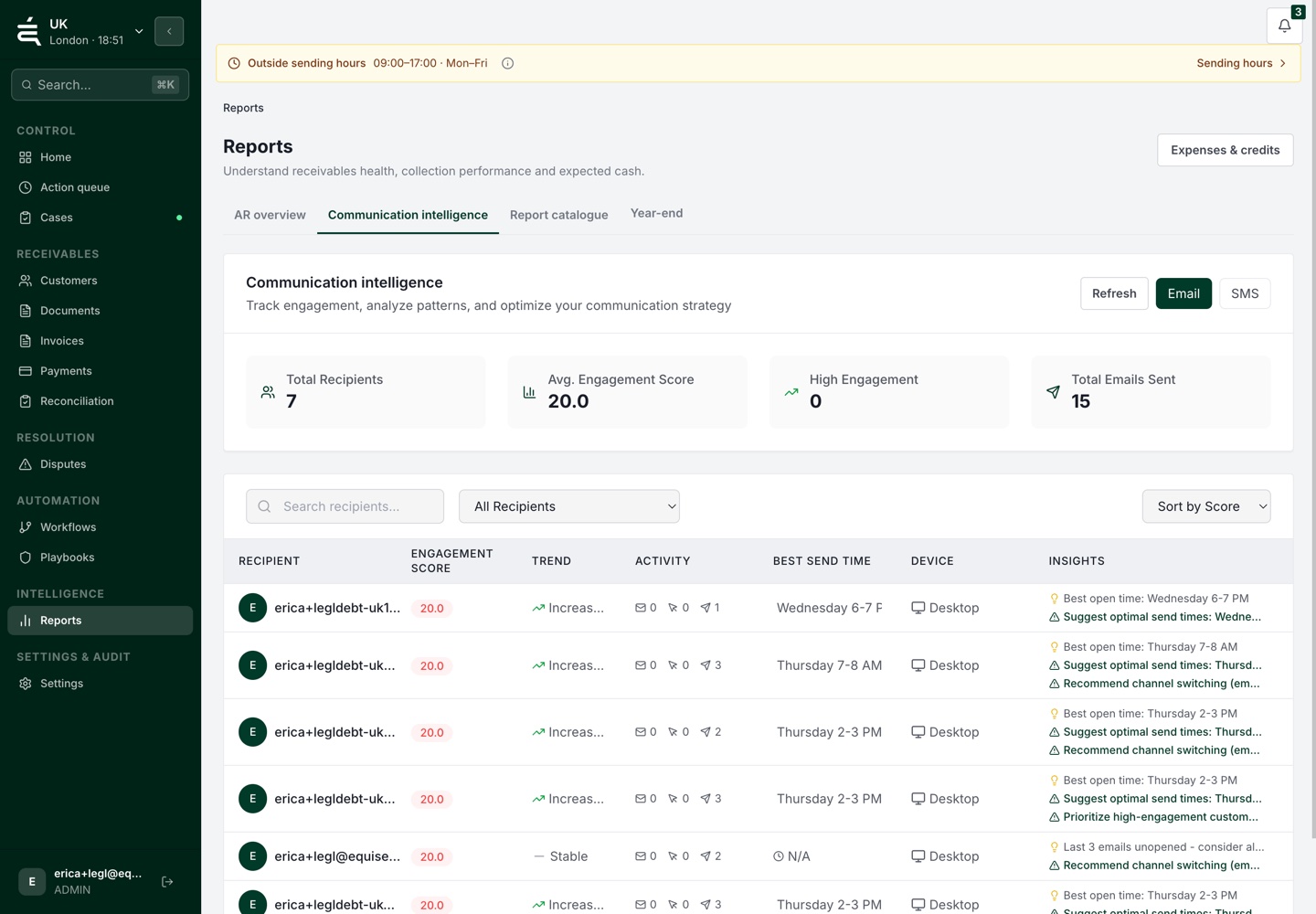
Review the message, channel and available delivery events. Check who was contacted and what was requested.


Receivables operations
Where the work gets stuck
Email security tools can generate tracking events. A customer reply may contain a dispute or a promise that needs checking. Treating every signal as the same thing can send follow-up in the wrong direction.
From balance to next action
Check delivery and engagement alongside the actual reply, then record what it means for the account.
Review the message, channel and available delivery events. Check who was contacted and what was requested.
Treat opens and clicks as supporting signals. Read the reply and review any proposed promise, query or dispute against the underlying records.
Assign a task, review the issue or continue the approved workflow as appropriate. Leave the decision with the account for the next colleague.
Available data and actions depend on your plan and the connections configured for your workspace.
Choose your account type to get started, or compare the plans first.
See the account, the open issues and the work already done before deciding what comes next.