
01
Provide a secure invoice view
Direct customers to the relevant portal link to review supported invoices.


Receivables operations

WHY IT MATTERS
A customer may need another invoice copy, a balance check or the correct payment link before they can act. Those requests create another exchange between the reminder and the payment.
HOW EQUISETTLE HELPS
A reminder is only useful if the customer can identify the balance and act on it. The payment portal gives them a secure place to review supported invoices and payment options.
01
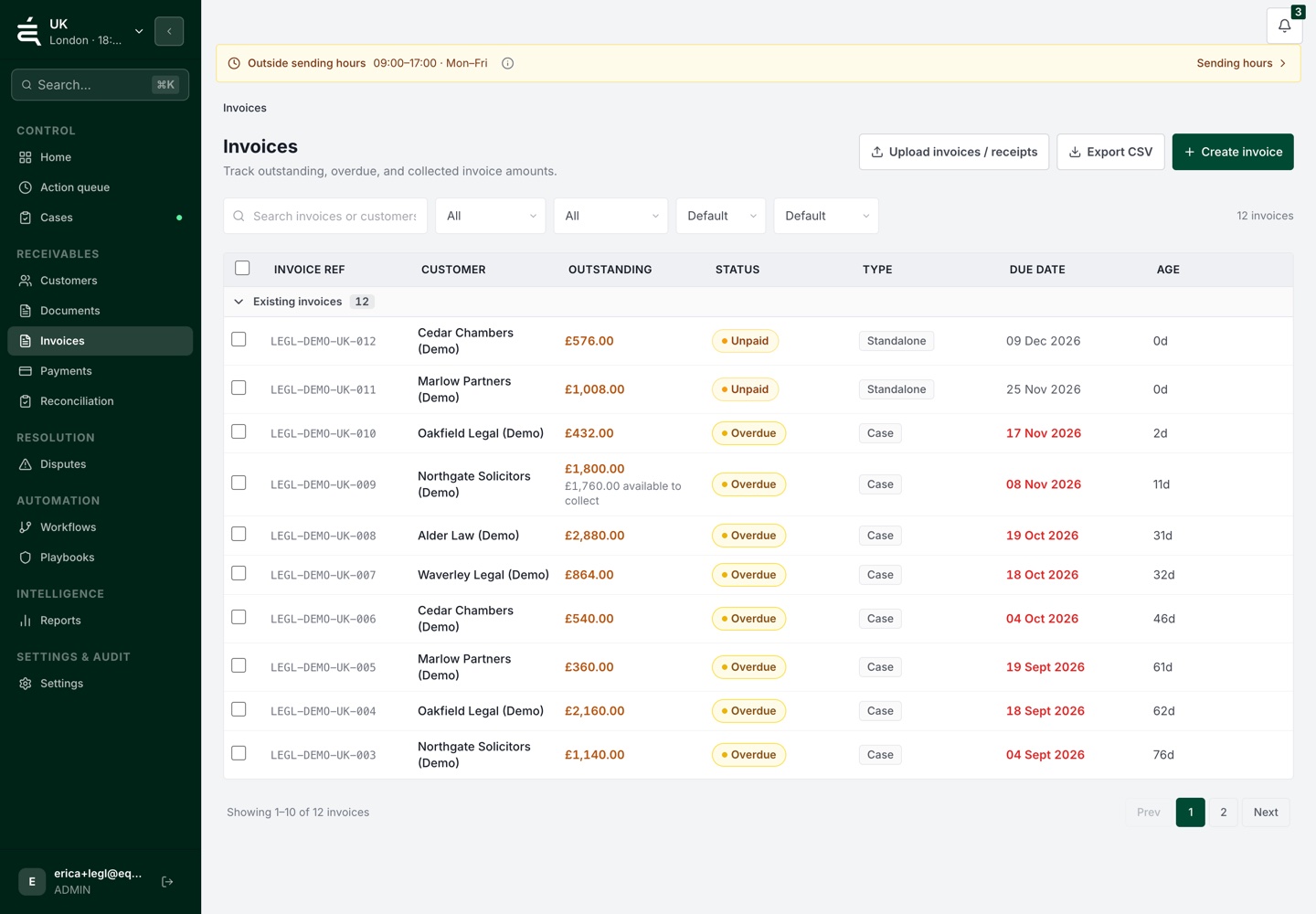
Direct the customer to the relevant portal link so they can review the invoice and outstanding balance without requesting another copy by email.
THE PROCESS
02
Show the payment methods configured for that business. Payment availability and processing depend on the connected provider and the customer's circumstances.
03
Keep the resulting payment information with the receivables record. Investigate any remaining balance or matching exception before treating the account as settled.

WHAT THIS GIVES YOUR TEAM
01
Direct customers to the relevant portal link to review supported invoices.
02
Let the customer check the amount outstanding before choosing a payment option.
03
Show the payment routes available through the business's connected providers.
04
Review the resulting receipt and remaining balance alongside the invoice records.
05
Keep unmatched amounts or other payment exceptions available for the finance team to review.
The payment portal is a branded page where your customers can view their outstanding invoices, download statements and pay securely online, reducing the friction between reminder and payment.
No. Customers access their payment portal via a secure link in their reminder, no account creation or password required.
The portal supports card payments via Stripe and direct debit via GoCardless, giving customers flexible ways to settle invoices.
Yes. The payment portal is fully white-labelled, customers see your branding throughout, reinforcing trust and professionalism.
Review the payment and invoice status available from your connected setup. Sync timing and supported actions depend on the provider. Check unmatched or uncertain items before the next follow-up.
Yes. Customers can request or accept a payment plan directly through the portal, which is then tracked and managed automatically by Equisettle.
See the account, the open issues and the work already done before deciding what comes next.