
01
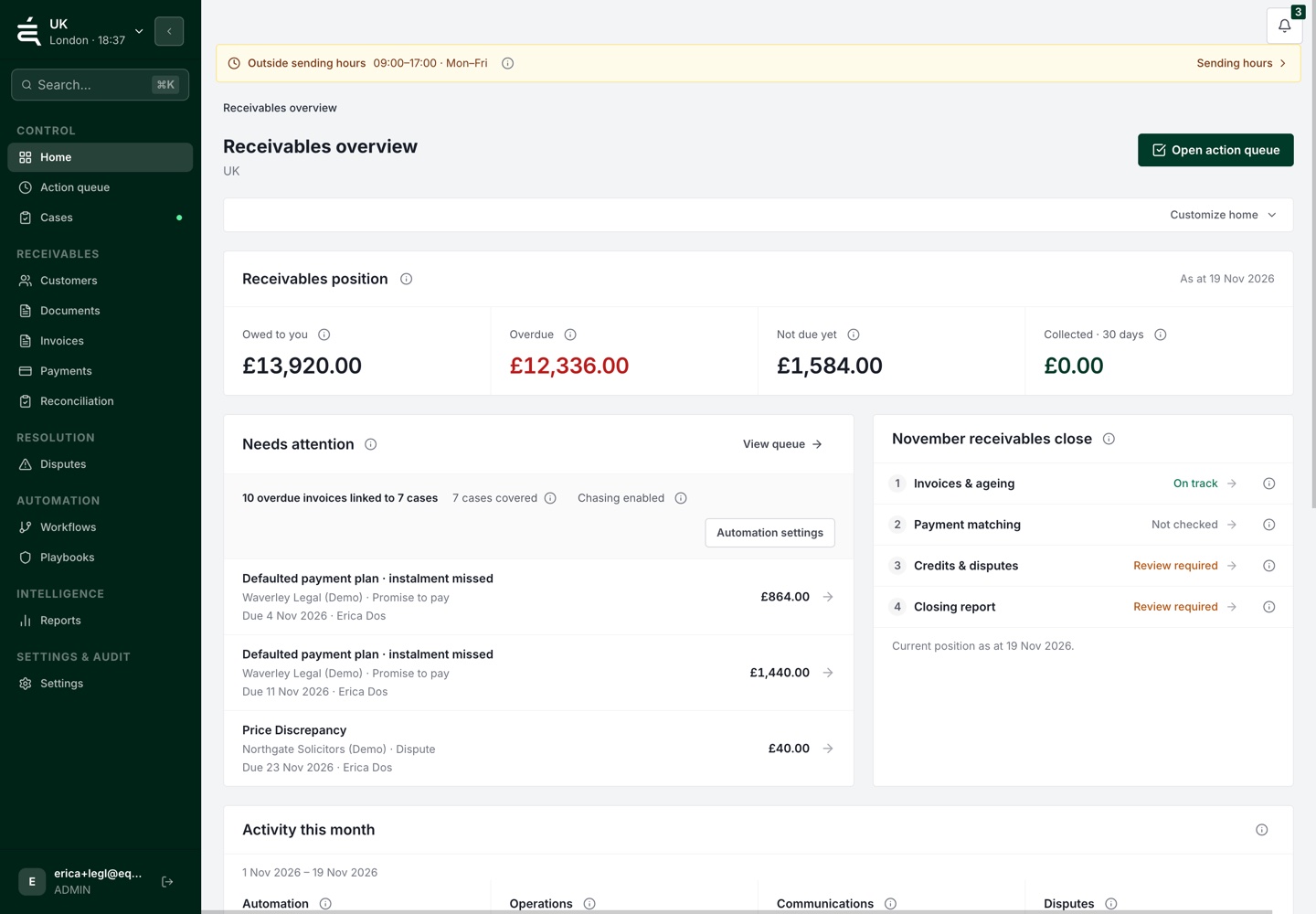
Start from existing records
Bring supported accounting data or imported invoices into the receivables process.


Receivables operations
WHY IT MATTERS
A reminder can run on schedule while a query waits for someone to answer it. When the automation cannot be reviewed alongside the account, the team has to bridge those gaps by hand.
HOW EQUISETTLE HELPS
Automation needs account context and clear limits. Bring invoice records into a defined process, while keeping people responsible for exceptions and approvals.
01
Use a supported accounting connection or an invoice import to bring the work into Equisettle. Review the available records before starting a follow-up process.
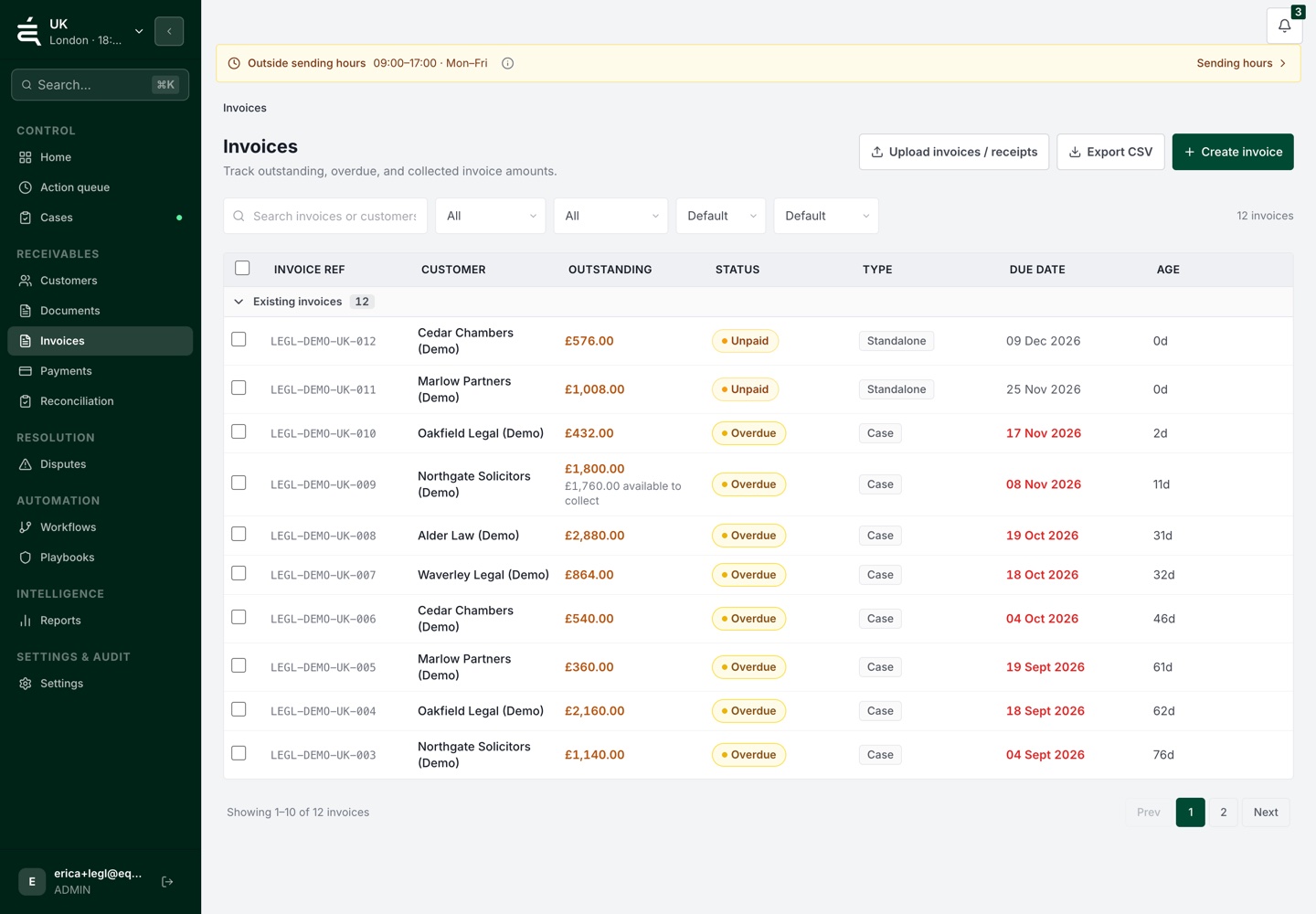
THE PROCESS
02
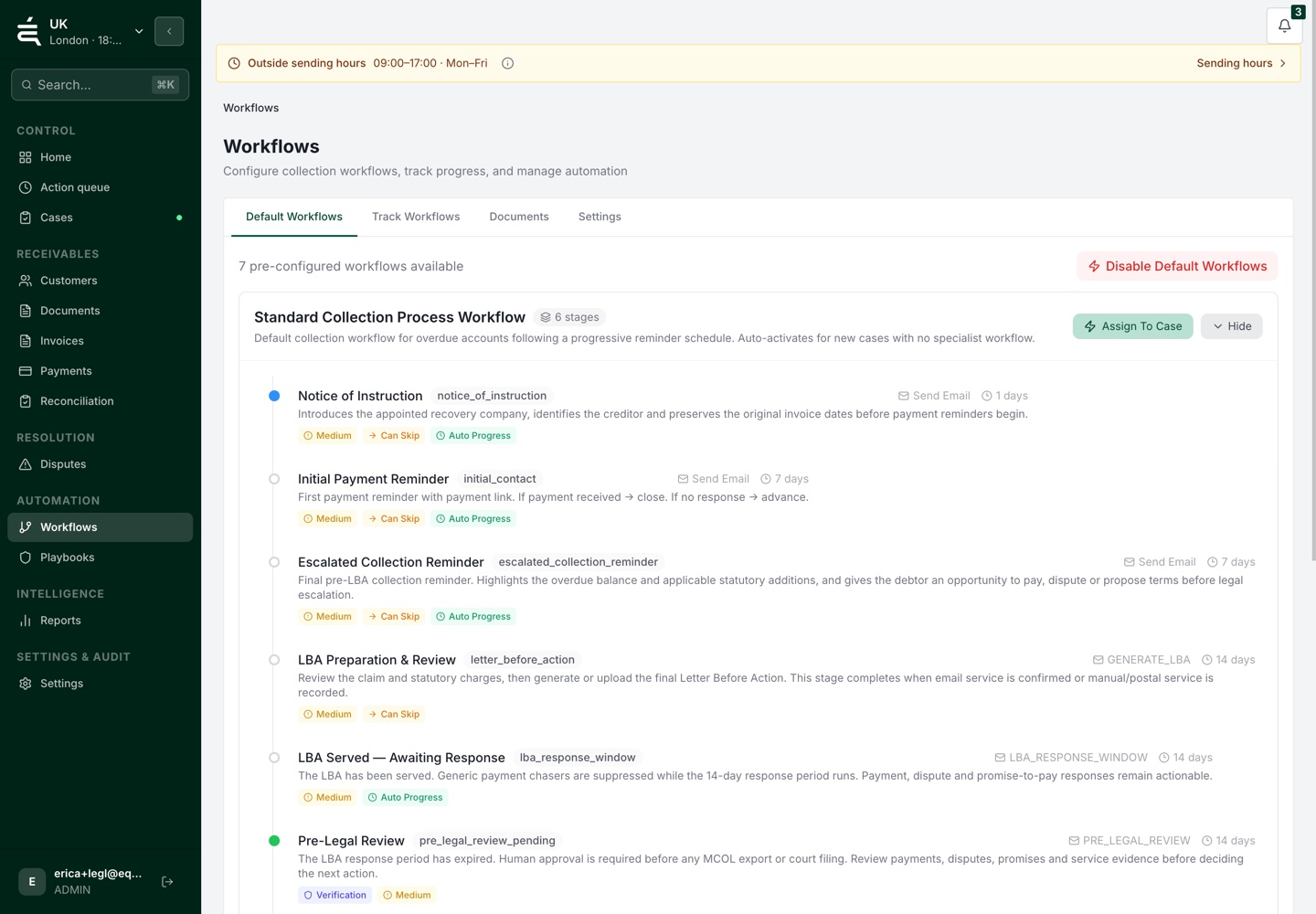
Define when follow-up begins, which actions are appropriate and where review is required. Keep those rules visible so the team can understand the process.
03
Review replies, disputes and payment commitments in the account context. Change the next action when the situation calls for judgement rather than another scheduled message.
WHAT THIS GIVES YOUR TEAM
01
Bring supported accounting data or imported invoices into the receivables process.
02
Set the stages and approved activities the workflow should carry out.
03
Make approvals and judgement calls part of the process rather than implying every case can run unattended.
04
Keep the issues that change the next step with the account history.
05
Review activity, payment commitments and outstanding issues as the account position changes.
AR automation means your invoices are chased, escalated and collected without manual intervention, Equisettle handles reminders, follow-ups and payment matching so your team focuses on exceptions, not routine chasing.
Connect or import your receivables data, check the records and configure approved workflow stages. Review the setup and exception handling before activation.
Review the payment and invoice status available from your connected setup. Sync timing and supported actions depend on the provider. Check unmatched or uncertain items before the next follow-up.
Bring follow-up stages, account context and exceptions into one workflow. Keep people responsible for approvals and judgement calls.
Yes. Equisettle is designed for UK SMEs. Plans start from £75/month and the platform scales with your invoice volume as you grow.
Invoices that do not respond to automated workflows are escalated to your team with full context, so human intervention is focused where it is genuinely needed.
See the account, the open issues and the work already done before deciding what comes next.